After moving to Zed as my primary editor, I’ve slowly been working on replacing various tools and nice to haves from VS Code and trying to solve them in Zed.
The biggest thing I was missing was a project specific snippet to generate a new post with front matter for me.
I had this and could use this to build my front matter easily, but you can’t really do this with Zed.
"Frontmatter": { "scope": "markdown", "prefix": "frontmatter", "body": [ "---", "author: $1", "createdAt: $CURRENT_YEAR-$CURRENT_MONTH-${CURRENT_DATE}T$CURRENT_HOUR:$CURRENT_MINUTE:$CURRENT_SECOND.000$CURRENT_TIMEZONE_OFFSET", "modifiedAt: $3", "title: $4", "featured: ${5|false,true|}", "draft: ${6|true,false|}", "tags:", " - $7", "description: $8", "---", ], "description": "Adds the frontmatter block for the AstroPaper Blog post",},I had originally put together a set of bash scripts to do my releases, but wanted something with some nicer tooling.
What’s It Do?
mkd allows you to create syntax for your front matter (inspired
by sequoia) and store that as mkd.json.
{ "blogDir": "./src/blog", "author": "Jack Platten", "publishedAtKey": "createdAt", "modifiedAtKey": "modifiedAt", "authorKey": "author", "draftKey": "draft", "descriptionKey": "description", "tagsKey": "tags", "titleKey": "title"}Once that’s created, you can then use mkd new to quickly create a new post,
and put it exactly where it’s supposed to go.
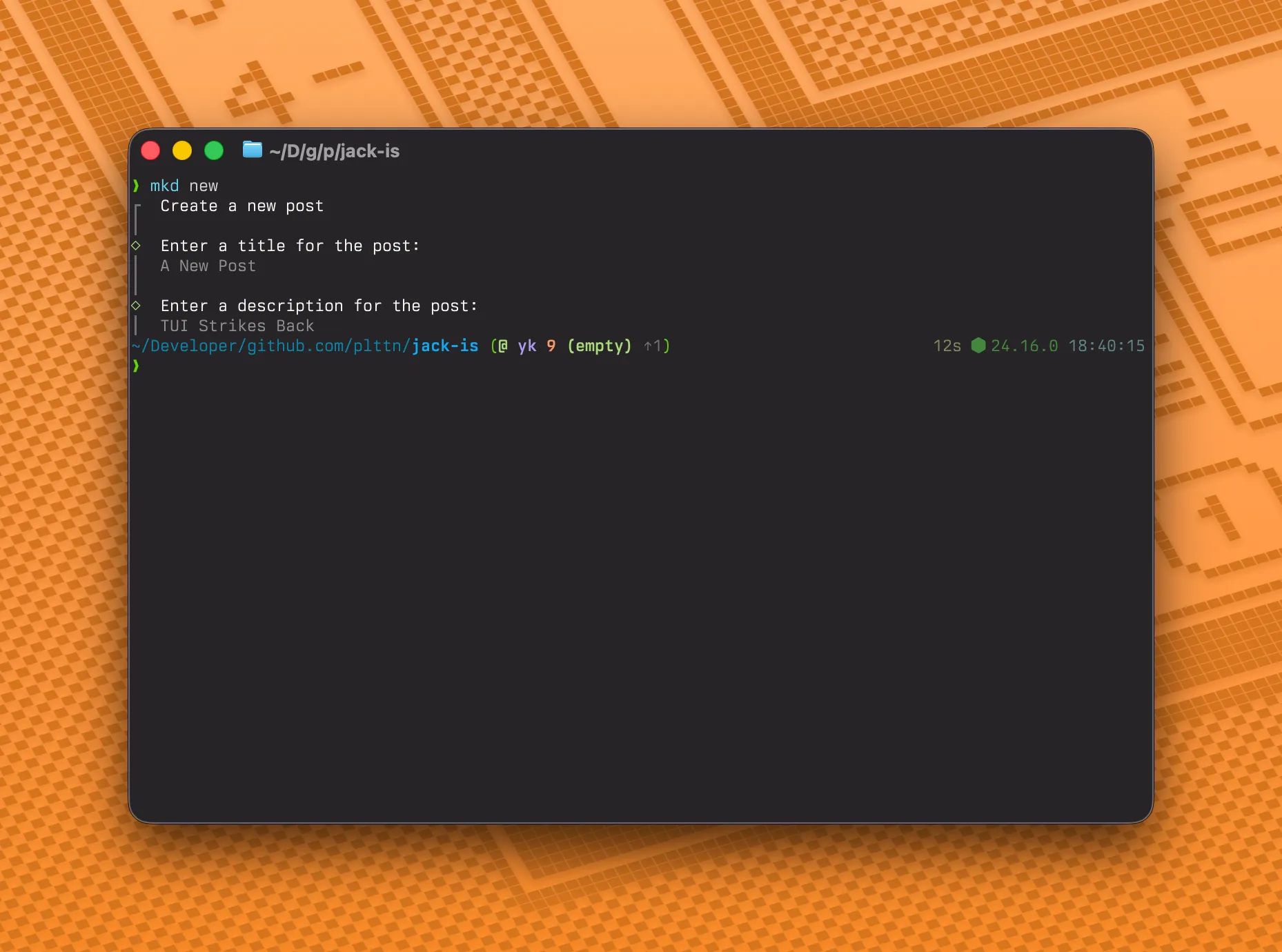
Once you’re done writing your post, you can then find it and mark it as ready for publish.
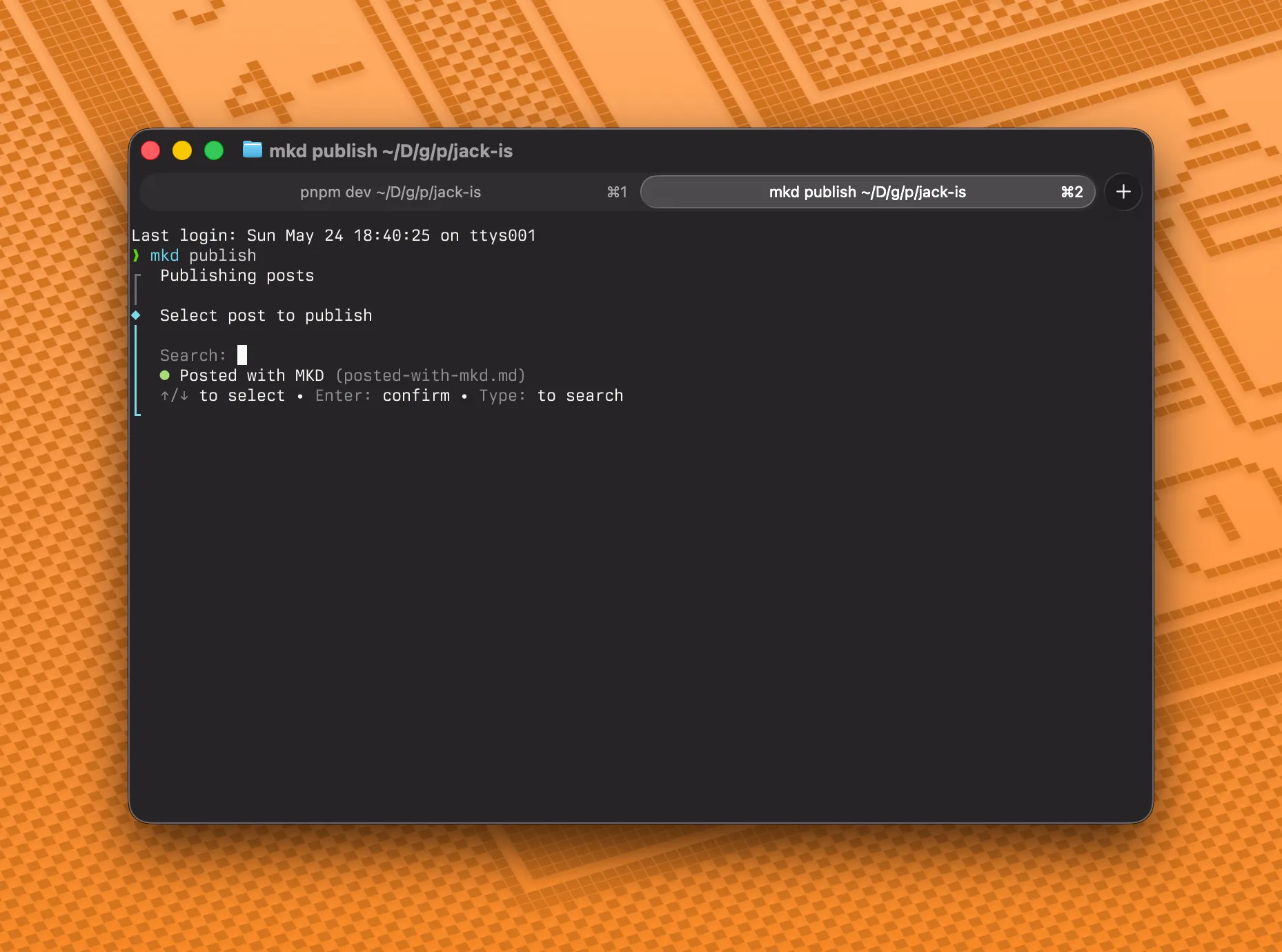
It’s exactly what I was looking for, and hopefully someone else will find it useful, as I couldn’t actually find anything that did something like this.
I’ve got some more features planned for it, maybe tag management, but that’s a stretch goal and I spent multiple hours far too late last night to figure it all out.